




V2COM Triple Laptop Monitor Extender 14-inch S2 in Kenya
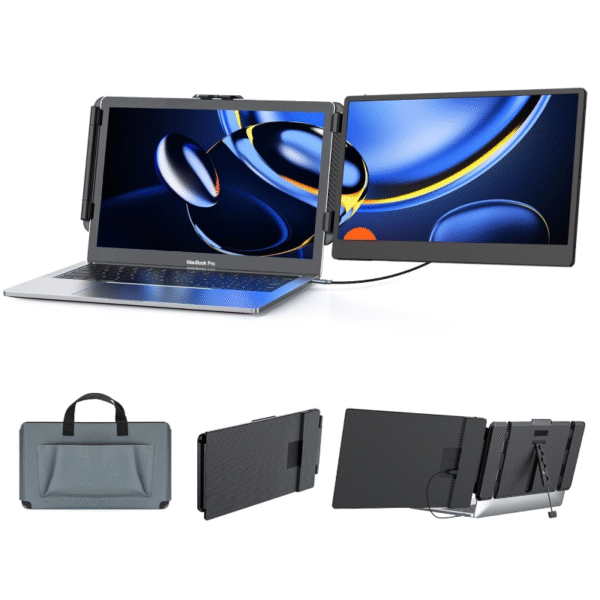
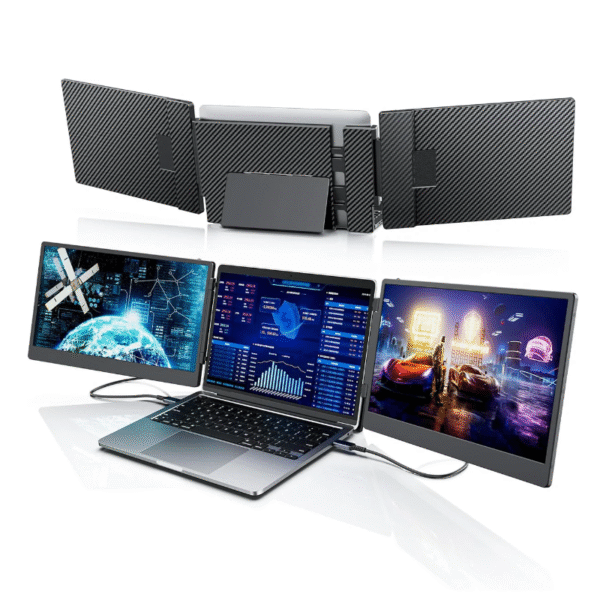
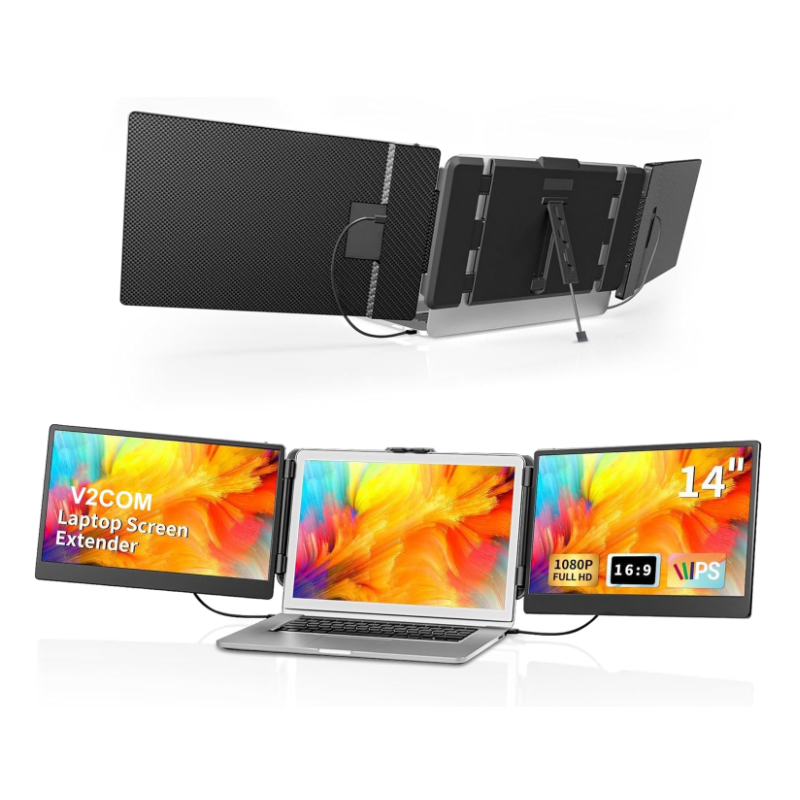
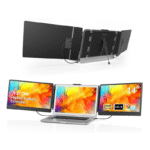
The V2COM Triple Laptop Monitor Extender 14-inch S2, priced at Ksh 32,000, is redefining productivity for Kenya’s fast-paced professionals, students, and creators. This portable three-screen laptop extender clamps seamlessly onto any laptop with a 13″–17″ screen, unfolding into a multi-monitor powerhouse that boosts efficiency by up to 300%. With dual 14-inch Full HD IPS panels, USB-C and HDMI plug-and-play connectivity, and a sleek, foldable design, the S2 blends performance and portability like no other. Engineered for innovators who thrive on efficiency, precision, and freedom, the V2COM S2 stands as the best triple laptop monitor in Kenya, crafted to keep your workflow limitless wherever ambition takes you.
Key Features V2COM Triple Laptop Monitor Extender 14-inch S2
1. Dual 14″ Full HD (1920×1080) IPS panels – Each screen offers FHD resolution, IPS wide views, and vivid output. For example, one listing states “14-inch 1080P IPS screens” with ~300 nits brightness.
2. Clamp-on/travel-ready design – The S2 model is built to mount on a laptop (13.3″–17.3″ size range) and to fold for travel. One listing (“weighs only 3.57 lbs and comes with a carry bag”) emphasizes portability.
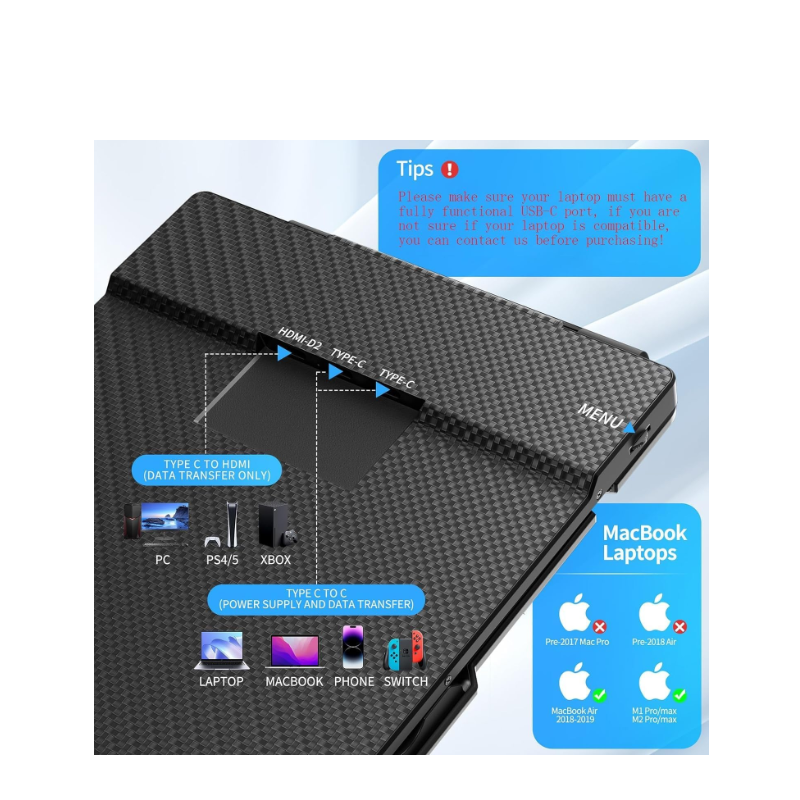
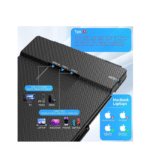
3. USB-C & HDMI connectivity, plug-and-play – Compatible with full-featured USB-C (video + power) or HDMI video + USB-A power in many cases. No driver installation claimed.
4. Flexible viewing & orientation support – The screens can rotate (one listing states up to 180°) and support different display modes (extended, mirror, second-screen).
5. Wide compatibility across OS/devices – Works with Windows, macOS, Android, Linux, PS5, Xbox, and Switch in many listings. One caveat: MacBooks with M1/M2 chips may need a special setup.
6. Built-in speakers & eye-care features (in some listings) – Some versions mention built-in stereo speakers, low-blue-light/anti-glare, and adjustable brightness/contrast.
7. Productivity boost – The vendor claims up to “300% productivity” thanks to extra screen real estate.
Pros of the V2COM Triple Laptop Monitor Extender 14-inch S2
- Significant increase in workspace: With two extra 14″ panels attached, users can view multiple apps/documents simultaneously without external monitors.
- Highly portable: The integrated clamp and carry bag design make it ideal for travel, hot desking, and remote work.
- Versatile connection: Supports USB-C and HDMI pathways, making it compatible with many laptops.
- Multi-mode & orientation flexibility: Good for presentations, side-by-side comparatives, coding + reference + chat simultaneously.
- Broad device support: Works with many platforms and devices (Windows, Mac, gaming consoles, etc).
- Quick setup: “No drivers required” and simple cable connections reduce setup time.
FINAL VERDICT
If you’re looking to transform your laptop into a powerful portable workstation with multi-monitor capability, the V2COM Triple Laptop Monitor Extender 14-inch S2 is one of the best plug-and-play solutions available in its category. The dual 14″ FHD IPS panels deliver real extra screen real-estate, the connectivity options are flexible, and the portable design suits travel or hybrid setups.
For professionals, analysts, developers, content creators, and remote workers who juggle multiple windows/apps and frequently change work locations, this model offers a compelling upgrade over a single monitor or toggling between windows.
However, it’s not perfect. To get the most from it, your laptop must have sufficient ports (especially full-featured USB-C video output), and you should ensure your laptop’s hinge and lid can handle the added weight of the clamps and extra panels. Also, while the display quality is solid for productivity, it won’t fully replace colour-calibrated monitors for high-end creative work.
